

Capture Conversations.
Master Languages.
Travel Wisely.
The local-first, privacy-first translation app that turns your daily interactions into personalized study guides. Learn what you needed to say, but couldn't. Build language skills that matter to you.
Your Travel Companion
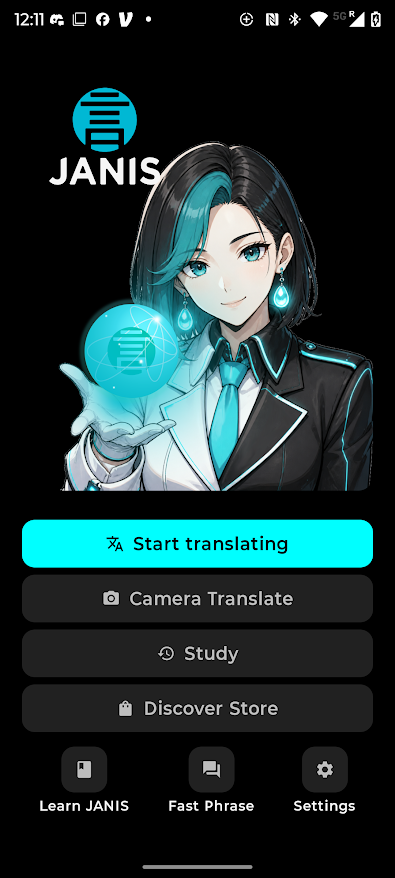
A beautiful, functional home screen that puts translation at your fingertips, with character art that adapts to your journey.
Clear, Instant Translation
See your words translated instantly and clearly. The interface is designed for readability, whether you're speaking or spelling it out.
Hold to Translate
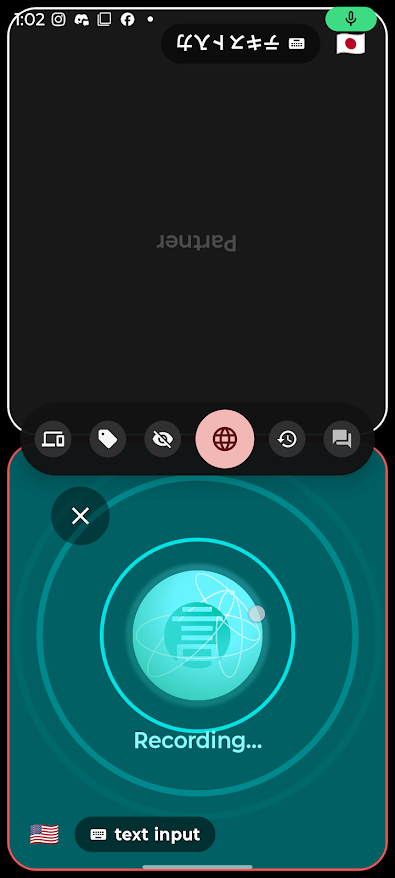
Never worry about pausing to think. Just hold the button down while you speak, and let Janis wait for you.
Two Modes for Every Situation
Choose the interface that fits your environment.
Companion Mode
Fun and engaging. Our character JANIS accompanies you during interactions, providing a friendly face for casual conversations and daily interactions.
Explorer Mode
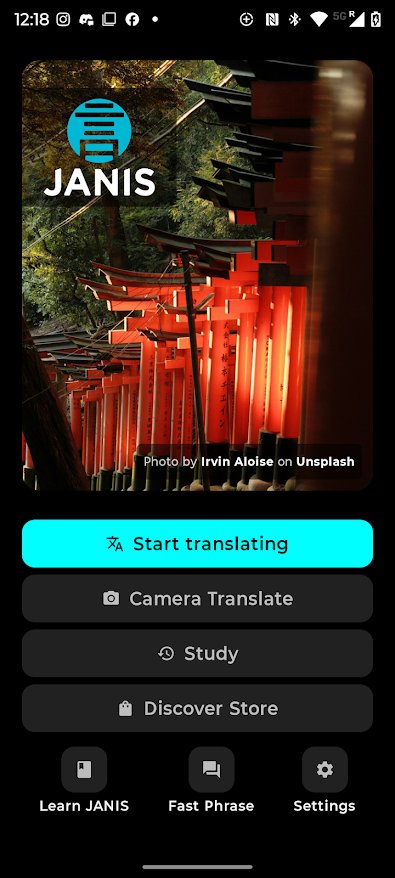
A more professional, laid-back appearance. Perfect for business trips, formal encounters, or when you just want a streamlined translation experience.
Designed for the World
Everything you need to communicate naturally, learn effortlessly, and travel wisely.
Local-First & Private
No internet? No Problem. Janis can use on-device machine learning (Google Gemini Nano) or cloud based translation (for more accurate translations). Free users have access to 59 languages and on-device translation, while Pro users have access to Google's v3 Cloud Translate and over 130 languages.
We never sell your data, so much so that we never even collect it. Our goal is to make a decent living by providing you with a great translation tool, not by selling your data to a broker.
Hold to Translate & Toggle to Translate
Press and hold to record, or toggle it on. Don't worry about mid-sentence partial translations when you pause to think. Intelligent fallbacks provide you with translations even when networks fail. Did the translation not hear you quite right? Triple tap to edit and re-translate.
Seamless Partner Mode
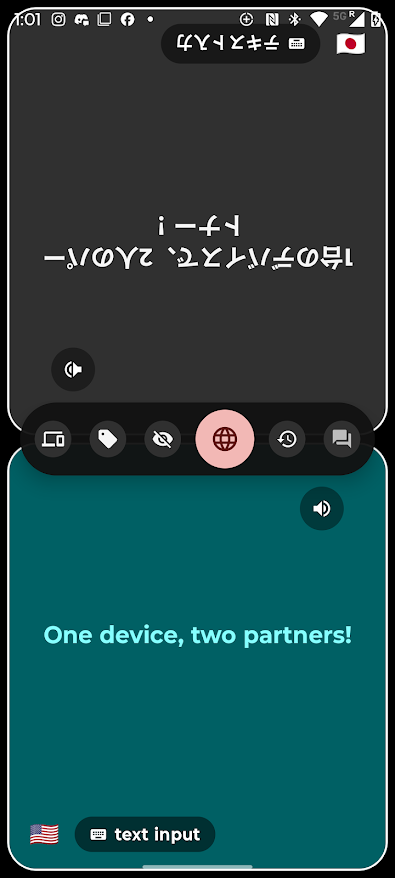
Engage in fluid face-to-face conversations. Host or join a session, and use a split-screen design that lets both you and your speaking partner read translations naturally without ever passing the phone.
Camera Translation & Visual Study
Translate menus, signs, and documents instantly using your camera. Janis helps you capture visual context so you can navigate foreign environments with ease and save them as study cards.
History & Tagging
At the end of the day, review your conversations and save useful phrases to your personal study guide. Keep a running record of all your conversations, where and when they took place, and tag them for context.
How It Works
Three simple steps to fluency.
Hold or Toggle
Hold the capture button or toggle it on while speaking. Janis won't cut you off if you pause. If the network is down, JANIS will use the onboard on-device AI to translate.
View & Share
See and share the translation instantly. Use Partner Mode to share the screen so your speech partner sees the translation on their own flipped side.
Save & Tag
Review your history, tag important interactions, and turn your real-world conversations into personalized study material.